How to Pay Bills at an ATM
How to Use an ATM?
ATMs, one of the important tools of today's banking system, allow customers to perform many services easily and quickly. Beyond the banks' own transactions, customers can make transactions through ATMs in many areas, including personal, corporate, and public payments. As a result of recent technological developments, many private or public institutions have also integrated with banks for payment collection methods. Thus, instead of queuing for a long time at institutions, transactions can be carried out without wasting time thanks to the bank ATMs located in many places.
Bank Card and Credit Card
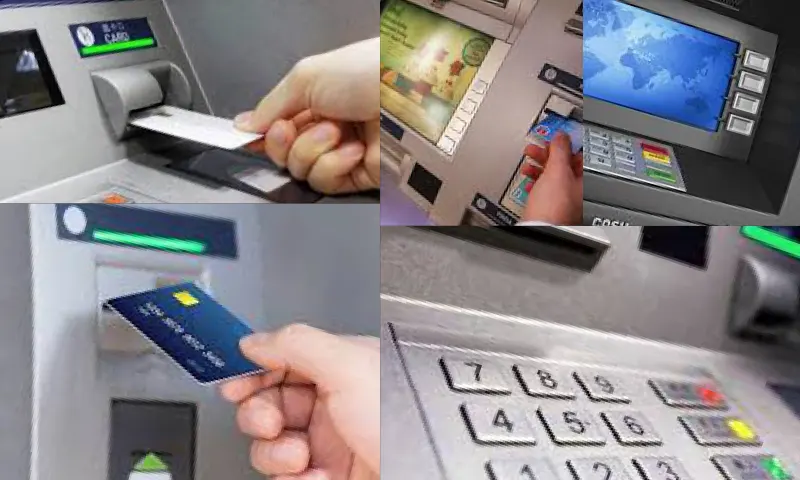
To benefit from an ATM, you must first have a bank or credit card. Those who have either of these cards can go to the ATMs with their cards and make their transactions. For this, the card must be inserted and pushed into the relevant section of the ATM, and after the card enters the slot, the card's PIN must be entered on the PIN inquiry screen to proceed to the transaction menu. Each bank offers various services to its customers through account maintenance or credit card usage. Bill payments can also be made through both of the mentioned cards. If you have an account number at a bank and have money in your account, you can also make payments at the ATM with your account card. Similarly, as long as you have available credit limit, you can complete your bill payment transaction with your credit card.
How to Pay Bills at an ATM?
After going to the ATM with any bank or credit card you own, inserting the card in the relevant place, entering your PIN, and arriving at the transaction menu, a button generally labeled as payment transactions will appear on the screen. First, you need to select and click this button. Then, a new screen will appear, listing the payment transactions you can make at the ATM with your card. At this stage, by selecting and clicking the button labeled bill payments, we can carry out the transaction for the bill we want to pay.
Example Payment
Let's assume you are going to pay a natural gas bill. After performing the steps mentioned above, you should click the natural gas bill button on the screen that appears. With this selection, you will be asked for your subscription information or identity information related to your bill. After entering the requested information and reaching the bill screen where you need to make the payment, you will need to select your bill and click the continue button. With this action, your bill payment will be automatically processed with the balance in your accounts.